Published On: December 14, 2025 | Last Updated: December 15, 2025
Estimated Reading Time: 9 mins
STOP: The Google Password Manager Secret That Makes You Vulnerable Right Now
If you use Google Password Manager (and most of us do), you feel secure. You have that green checkmark and that sense of easy protection. But I have to be blunt: Relying on Google’s default is a single point of failure that keeps your most valuable data vulnerable.
As a cybersecurity enthusiast and team lead who handles highly sensitive digital assets daily, I cannot afford to be wrong about data protection. My livelihood depends on a fortress, not a fence.
That’s why I developed a proven 3-step system—a Google Password Manager Best Practice system that goes far beyond the basics.
This isn’t just theory. This is the exact system I use to protect my entire digital life, my business assets, and my clients.
In this post, I’m giving you my proprietary Best Practice Sheet to close every single security gap.
If you want to move from being “protected” to being impenetrable, here is the 3-Step System you need to deploy today.
Let’s get Started,

The Proven 3-Step System I Use for Unbreakable Data Protection
1. The Vault Upgrade: Why a Browser-Based Manager Is a Single Point of Failure
The first step in any robust Google Password Manager Best Practice system is acknowledging its biggest weakness: it stores your keys right where your browser operates.
You feel secure with that Google checkmark, but if your browser is compromised, your entire key set—your house keys, car keys, and bank keys—is compromised, too. The main vulnerability is that Google’s tool lacks zero-knowledge encryption, meaning your data is more accessible than you think. See visual illustration below
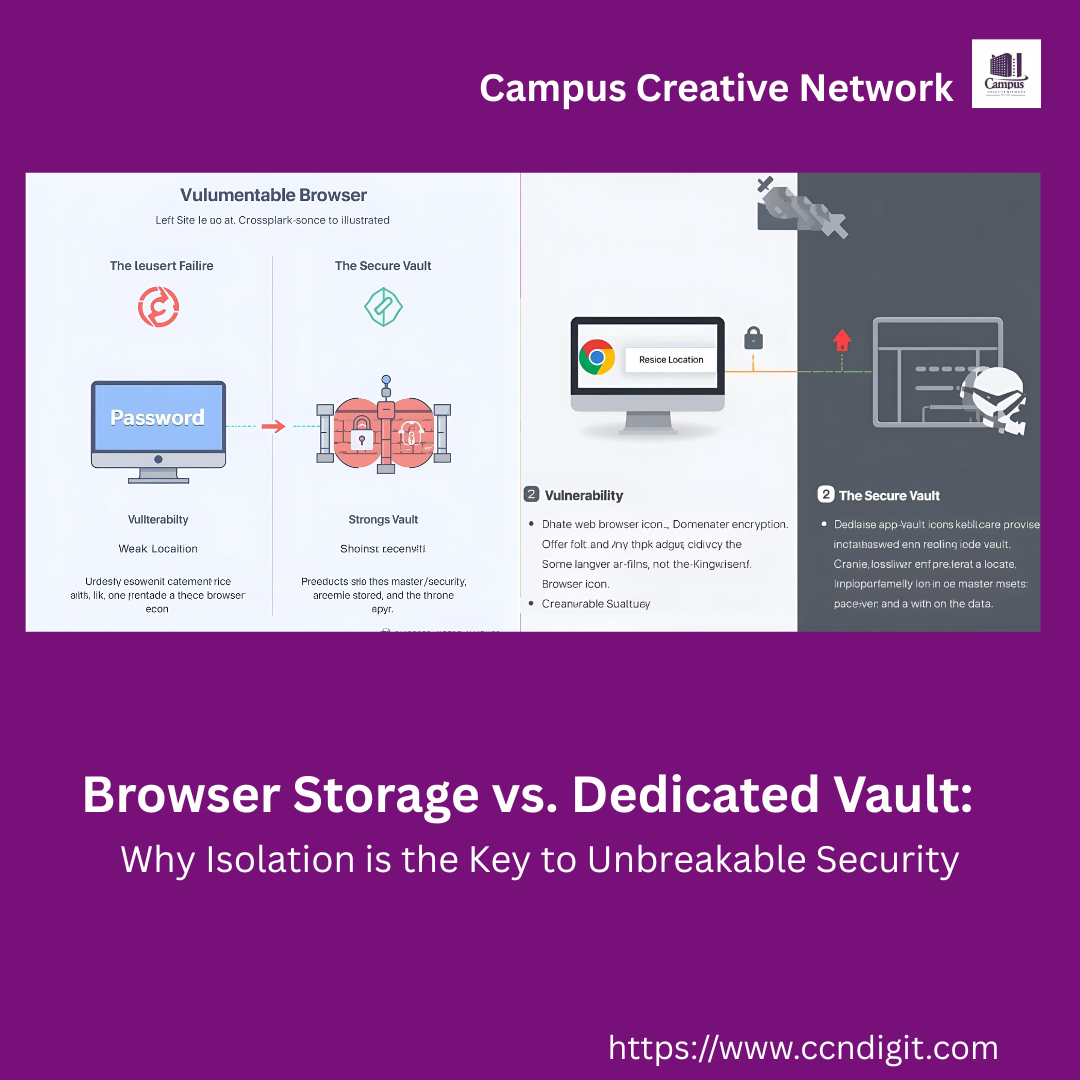
The Professional Upgrade: Dedicated Zero-Knowledge Vaulting with NordPass
True best practice separates the key storage from the browsing environment.
A dedicated, cross-platform vault like NordPass uses end-to-end encryption so that only you can access your passwords. It’s built for one job: securing your credentials, independent of whatever browser, OS, or device you are currently using.
It’s the fortress built specifically to house your digital assets. This is the simple step that moves your protection from a predictable browser shortcut to an impenetrable, dedicated system.
➡️ Action Step: Upgrade your credential security today. Even Get exclusive discount on NordPass and lock down your digital vault. with NordPass , level-up Your Security Password
2. Closing the “In-Transit” Gap: The Encrypted Layer Your Passwords Don’t Cover
You’ve implemented Step 1, so your passwords are safe at rest. But what about when they are in transit?
Every time you log in, your data is sent across networks. This transfer is where your security is most exposed. If you use public Wi-Fi (a cafe, airport, or hotel), your entire connection is exposed to anyone with minimal hacking knowledge.
Even at home, your Internet Service Provider (ISP) sees everything. This is a crucial gap in the scope of Google Password Manager’s protection. See visual illustration below

The Professional Upgrade: The Armored Connection with NordVPN
To truly complete the Google Password Manager Best Practice system, you need a Virtual Private Network (VPN).
I deploy NordVPN because it creates an immediate, encrypted tunnel around all your internet traffic. It scrambles your data the moment it leaves your device, making it invisible to hackers, ISPs, and snoopers.
This is non-negotiable for true data privacy and protection—it’s the digital equivalent of an armored vehicle for your data packets, ensuring your login credentials never travel unprotected.
➡️ Action Step: Don’t let your data travel exposed. Encrypt your connection layer now with NordVPN and stop exposing yourself on public networks. Go Private With NORDVPN Today
3. The Asset Defense Wall: Protecting the Data’s Origin (Your WordPress Site)
Your passwords are safe (NordPass) and your connection is safe (NordVPN). But what if the source—your own website—is the problem?
If you run a WordPress site (the digital home base for your brand, income, and data), it is a constant target for malware, phishing, and hacks.
A compromised site is a huge vulnerability that can steal customer data or even install malware on visitor machines. Every login you make to your own site is a risk if you don’t secure the asset itself.
The Professional Upgrade: Proactive Site Defense with Malcare
The third and final step in my system is protecting the asset.
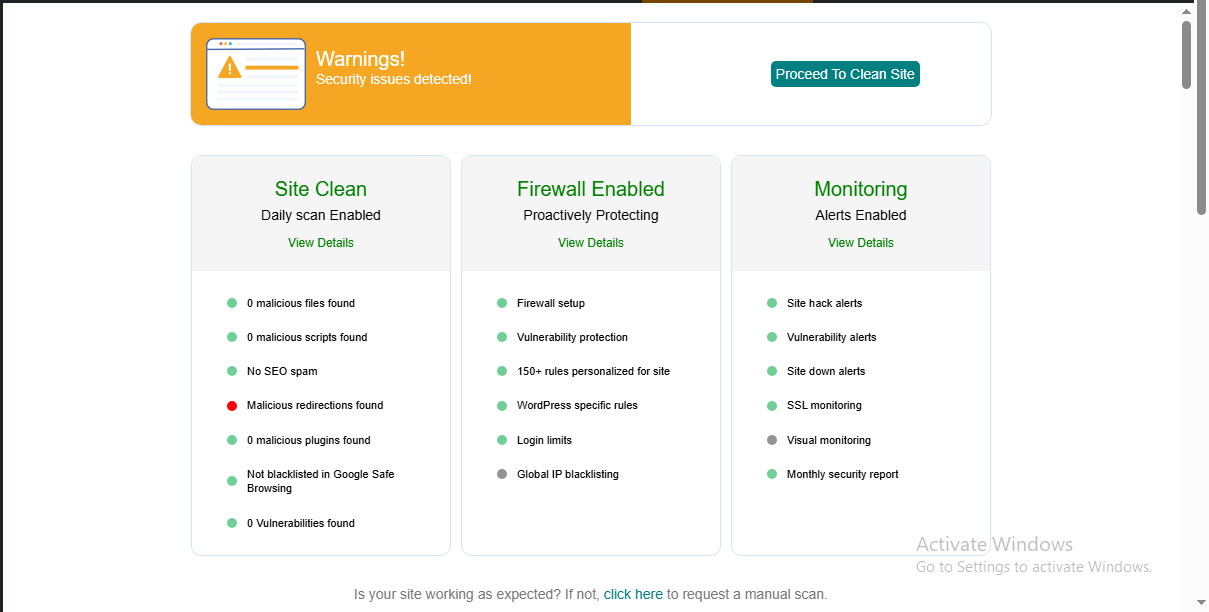
I use Malcare for clients site because it offers instant, one-click cleanup and always-on scanning. It is the necessary defensive wall that ensures the environment where you store and transact sensitive information is never the weakest link. This protection is not just for your data; it’s for your reputation, your business continuity, and your audience’s trust. See screenshot of Malcare security detail below
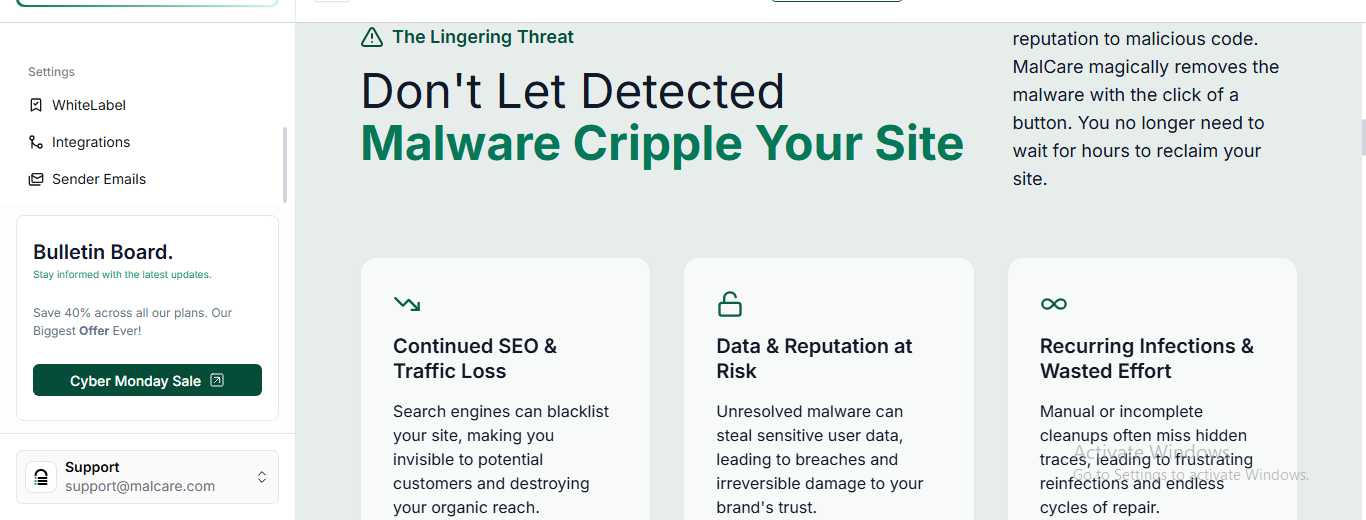
Screenshot – B
➡️ Action Step: Defend the foundation of your business. Install Malcare today to proactively scan and protect your WordPress assets. Get Started with MALCARE today
The Cost of Waiting: Don’t Be One of the 67 Viewers Who Failed to Act
The reason I share this entire system—and the professional tools I use—is simple: I see the data on inaction.
I recently tracked a campaign where 67 people clicked URL to a vital security tool but zero action on it.
They saw the solution, they knew the risk, and they walked away exposed. See screenshot below that validate my point that for some period of time, whether that be seconds or minutes but 67 people refused to tightening their password security of their digital asset as warranted ,

The Cost of Inaction is Too High: You’ve just read the definitive Google Password Manager Best Practice Sheet.
You are now armed with the knowledge of how to achieve professional-grade protection. Don’t let yourself become a statistic of regret. The only step left is implementation.
Authority Confirmed: Widening Your Knowledge with Global Best Practices
My 3-Step System represents my practical, real-world experience, but it is built on the foundation of global cybersecurity standards. To broaden your knowledge and see the technical depth behind these strategies, I recommend reviewing the official guidance from these high-authority organizations:
Region / Authority | Link Description | Source Link |
🇺🇸 United States (NIST) | Official Digital Identity Guidelines: The benchmark for password security focusing on length over complexity, and the elimination of forced resets. | NIST Digital Identity Guidelines (SP 800-63B) |
🇬🇧 United Kingdom (NCSC) | Password Policy: Updating Your Approach: Guidance on reducing reliance on passwords and implementing robust technical solutions for protection. | NCSC Password Guidance |
🇨🇦 Canada | Guideline on Password Security: Comprehensive guidance advocating for passphrases (length) and the use of password managers for security and user burden reduction. | Canada.ca Password Security Guideline |
🇪🇺 European Union (CISA) | Require Strong Passwords (General Guidance): Focused on securing business accounts and reinforcing the need for long (16+ character), random, unique passwords, often used by EU-aligned standards. | CISA Require Strong Passwords |
🇳🇬 Nigeria (NDPC) | Nigeria Data Protection Act (NDP Act) & Principles: The legal and strategic framework ensuring personal data is processed fairly, lawfully, and with appropriate security. | Nigeria Data Protection Commission (NDPC) – Data Privacy Policy |
🇩🇪 Germany / Australia | Protect Data at Rest and in Transit: Guidance focused on data encryption while stored and transferred (VPNs/SSL), a core principle shared by national bodies like BSI (Germany) and ACSC (Australia). | NCSC Protect Data at Rest and in Transit |
Related Reading- Google Password Security Manager Setup Guide: Max Security I Use [ E.E.A.T ]
GET STARTED WITH GOOGLE PASSWORD MANAGER BEST PRACTICE
You now have my complete Google Password Manager Best Practice System. You know the key components: securing your credentials with dedicated vaulting (NordPass), encrypting your connection (NordVPN), and defending your core asset (Malcare). This is what true, professional-grade data protection looks like.
Now, I have to share a crucial insight that should be your final trigger: For every post I put out on security, I track the data.
In one recent disclosure, 67 readers clicked the link, but zero took action. Think about that. Sixty-seven people knew they were exposed, and they walked away, leaving their digital lives at risk. Your data is not waiting for a convenient time.
If you’ve read this far, you know the risk is real.
You’ve been given the system. Now, you must act. Stop being one of the people who knew the secret but failed to implement it.
Click the URL below, activate your protection, and permanently stop being vulnerable—before you become a statistic: NordPass, NordVPN Malcare for wordpress site owners or manager. And for your complete set of Digital and online tools that offers you reliable and desired result
Ready? Master Google Ecosystem