Published On: December 22, 2025 | Last Updated: December 22, 2025
Estimated Reading Time: 6 mins
There is a specific kind of silence that happens when you realize your digital empire is being watched. It’s not just a ‘system glitch’ or a slow-loading page; it’s the realization that while you were busy building your library and digital success, ‘monitoring spirits’ were busy looking for a crack in the door.
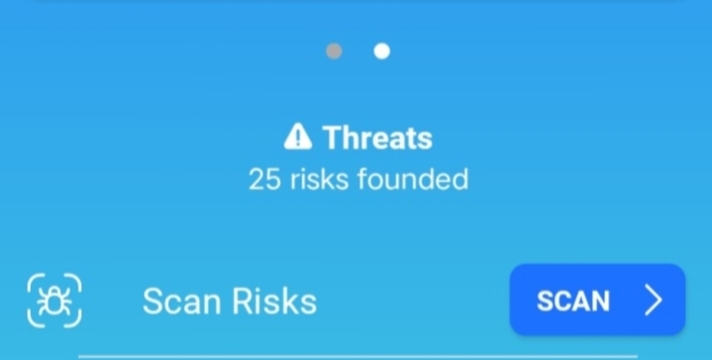
This weekend, I faced that silence. I opened my dashboard to find 25 founded risks—a digital storm aimed directly at the CCN Empire.
Most people think a strong password is a locked door. My experience has taught me otherwise: a password is just a beaded curtain. If you want to protect your data entry, your intellectual property, and your peace of mind in 2025 and beyond, you need to stop being a passive administrator and start being a Digital Architect.
In this guide, I am pulling back the curtain on my personal Google Security Setup. I’m not sharing theories; I’m sharing the exact wiring I used to flush out 25 risks and turn my Workspace into an impenetrable fortress.
Let’s dive-in,
🏛️ Wiring the Fortress
Step 1: The Foundation — The Google Security Checkup
Before you build new walls, you must clear the debris. I started by visiting the central “Control Room” of my account.
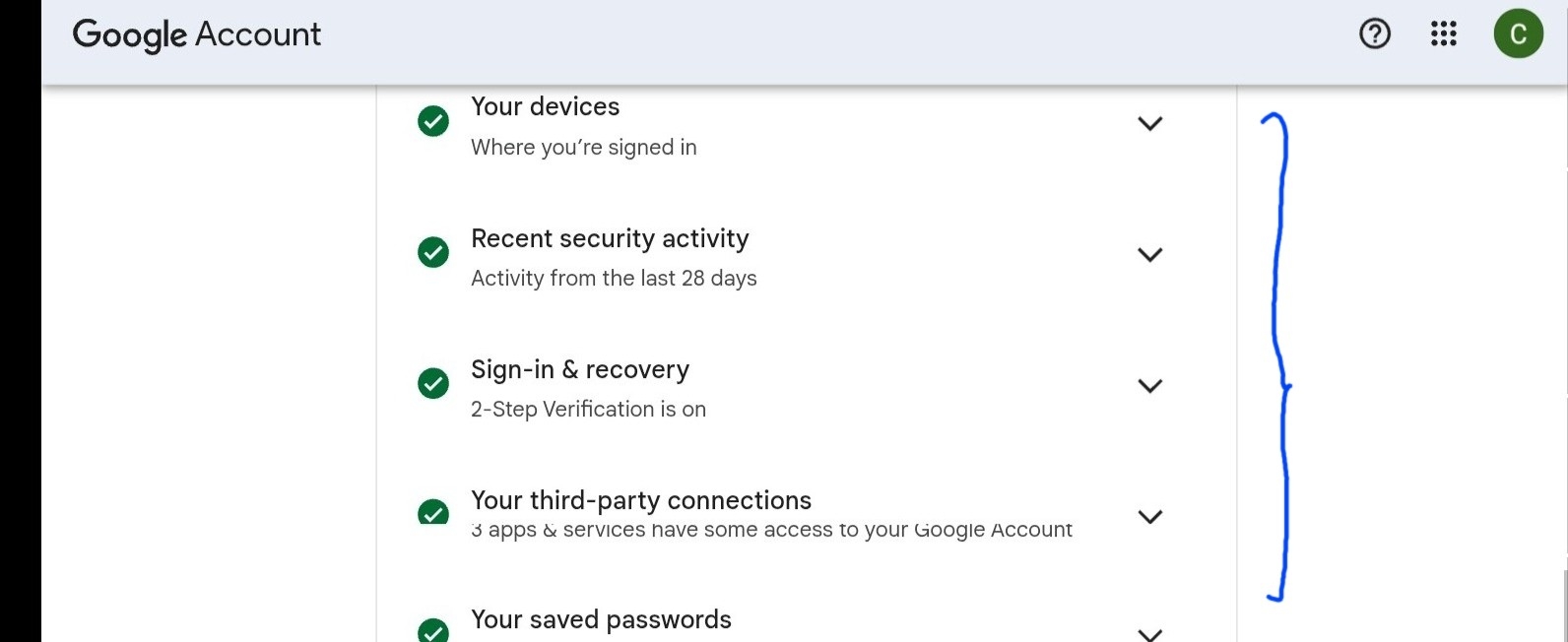
My Google Security Checkup page showing the “Green Shield” but no list of fixed risks. See, visual screenshot to this.
How you can get there: Visit account security center here .
Description: This visual above shows the “all-clear” signal. If you still see yellow or red icons here, your first task is to follow Google’s automated prompts to “Remove” or “Secure” those specific vulnerabilities.
Step 2: The “ID Card” — Activating 2-Step Verification (2SV)
The “monitoring spirits” thrive on passwords because passwords can be guessed. To defeat them, I moved to 2-Step Verification. I didn’t just use SMS (which can be intercepted); I used On-Device Prompts and Security Keys.
See the screenshot of 2-Step Verification settings page showing “Security Keys” and report that 2+ step step verification setup is on. See, my own screenshot below

How to get it: Go to Security > 2-Step Verification. In the link you followed above
Description: This is the heart of your digital ID. By using your phone as a physical key, you ensure that even if someone has your password, they cannot enter without the physical device in your hand.
Step 3: Sweeping the Rooms — Auditing Third-Party Access
One of the most common ways monitoring spirits stay in your system is through “Ghost Apps”—old applications you once gave permission to and forgot about. I performed a “deep sweep” of every app connected to my CCN infrastructure.
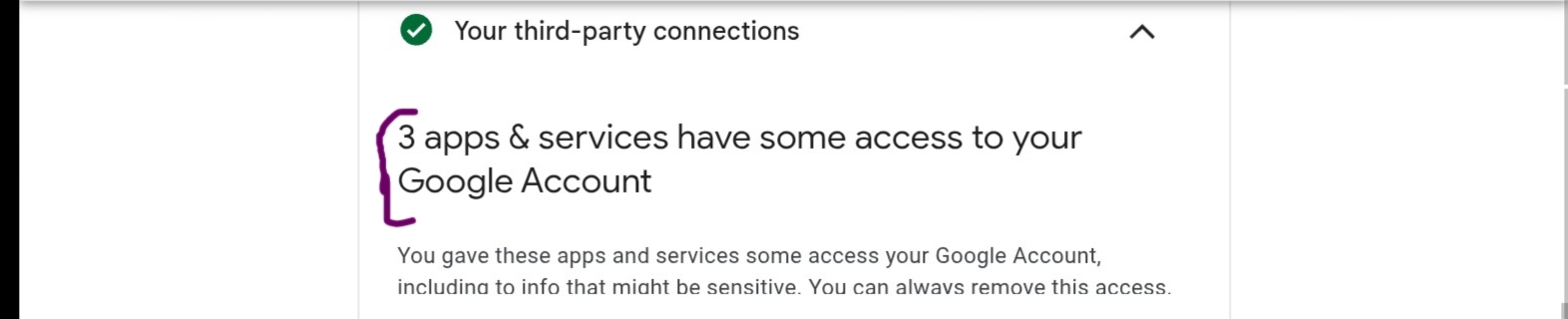
The “Third-party apps with account access” list. See, my practical experience in the screenshot below
How to get it: Go to Security > Your connections to third-party apps & services, still following the given link above.
Description: Look for apps you no longer use. I clicked each one and selected “Remove Access.” If you don’t recognize it, it doesn’t belong in your empire.
Step 4: The Vault — Enrolling in the Advanced Protection Program (APP)
For the ultimate lockdown, I enrolled in Google’s “Vault” mode. This is the Advanced Protection Program. It limits data access to only trusted Google apps and requires a physical or digital security key for every new login attempt.
The Google Advanced Protection Program got you covered for this when you “Enrolled” see screenshot below
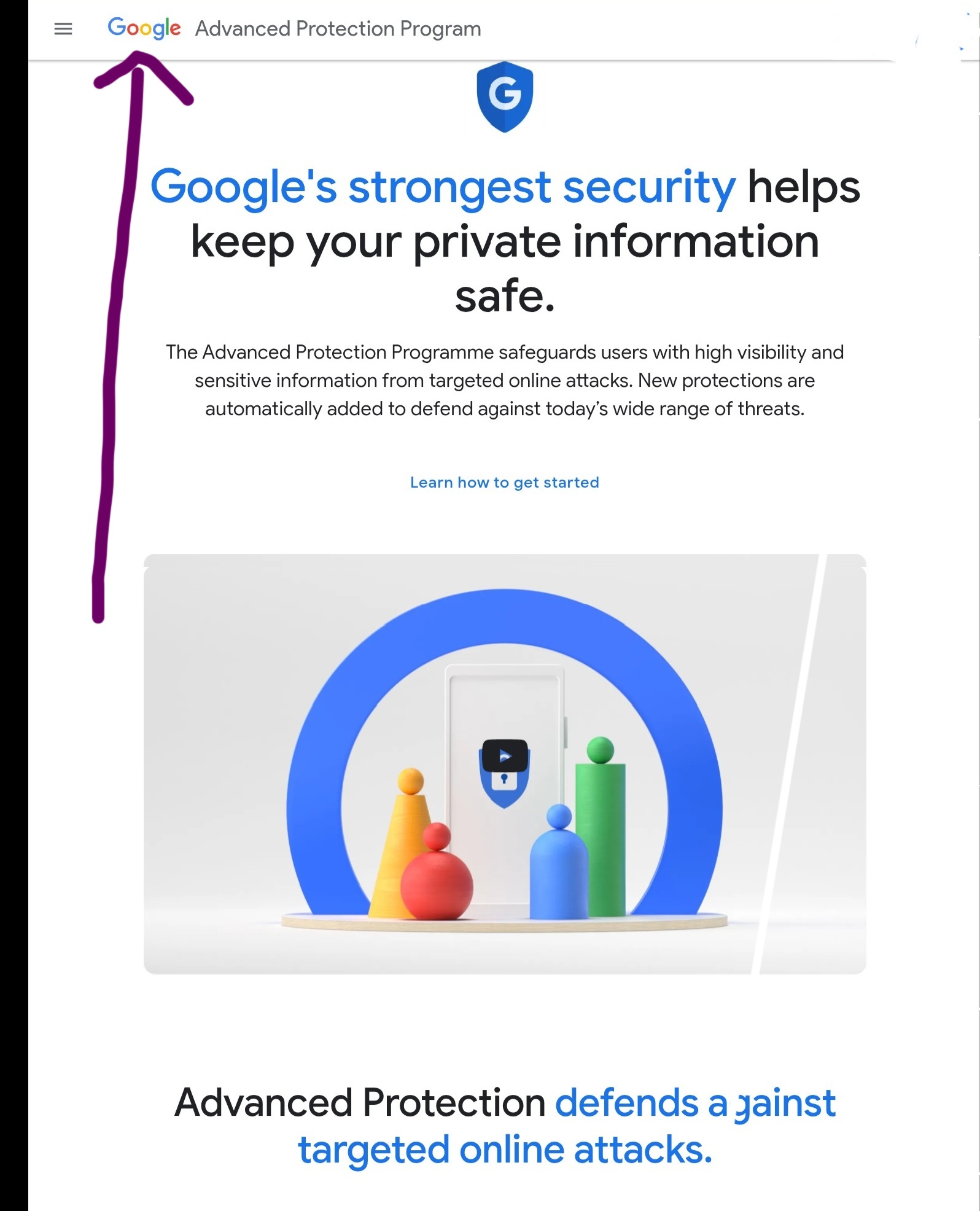
Description: This is the final badge of a Digital Architect. It signals to Google’s servers that your account is high-profile and needs the highest level of “Secret Service” style protection.
📊 The “Solutions Mart”
If you want to see the full list of secure tools I use to run the CCN infrastructure and also use the same—from automation to advanced monitoring—you can visit the CCN Tool Solutions Mart. It is my personal archive of the ‘wiring’ that keeps this library running smoothly.
🏛️ Global Authority Checklist: Best Practices for 2025
To broaden your knowledge and see how the world’s top organizations fight “monitoring spirits,” I recommend bookmarking these official resources from the US, UK, Nigeria, and beyond.
Region / Authority | Primary Resource | Core “Wiring” Recommendation |
🇳🇬 Nigeria (NITDA) | NITDA Cyber Security | Coordination of national digital security development and breach prevention. |
🇺🇸 United States (CISA) | CISA Project Fortress | Foundational measures to reduce risk across critical digital infrastructure. |
🇬🇧 United Kingdom (NCSC) | NCSC Small Business Guide | Using “Three Random Words” for passwords and turning on 2-Step Verification (2SV). |
🇦🇺 Australia (ACSC) | ACSC Security Advice | Implementing the “Essential Eight” security controls for business resilience. |
🇪🇺 European Union (ENISA) | EU Digital Privacy Guide | Strict adherence to data sovereignty and GDPR-compliant encryption. |
🇨🇦 Canada (CCCS) | Canadian Centre for Cyber Security | Proactive threat hunting and maintaining a definitive view of your OT architecture. |
🌐 Global (Google) | Advanced Protection Program | Google’s strongest account security for high-risk individuals and business leaders. |
Read Related – Google Password Manager Best Practices Sheet: The Proven System I Used for Data Protection

🛡️ Conclusion of The Architect’s Peace
Wiring a digital fortress isn’t about being paranoid; it’s about being prepared. By the time I reached the end of my Google Security Audit and saw that ‘Green Shield’ of protection, the atmosphere of my workspace had changed. The ‘monitoring spirits’ didn’t just lose access—they lost their power to distract me from my mission.
As you follow the practical screenshots in this guide, remember that your security is the foundation of your authority. You cannot lead a movement or automate a business if you are constantly looking over your shoulder.
My Final Verdict: Don’t wait for a ‘Virus Alert’ to wake you up. Take the hour today to wire your Google Advanced Protection. Turn your device from a liability into a stronghold. If you’ve felt that same ‘monitoring’ presence I described, start with my recommended audit tools in the CCN Tool Solutions Mart, and let’s move from digital chaos to absolute design and success.



![Read more about the article Social Media VS. Custom Mgmt! Raving Fans or Profitability? [My Experience Verdict ]](https://ccndigit.com/wp-content/uploads/2024/01/viral-content-jigsaw-puzzle-with-blocks-application-icons_23-2147841385.jpg)
